
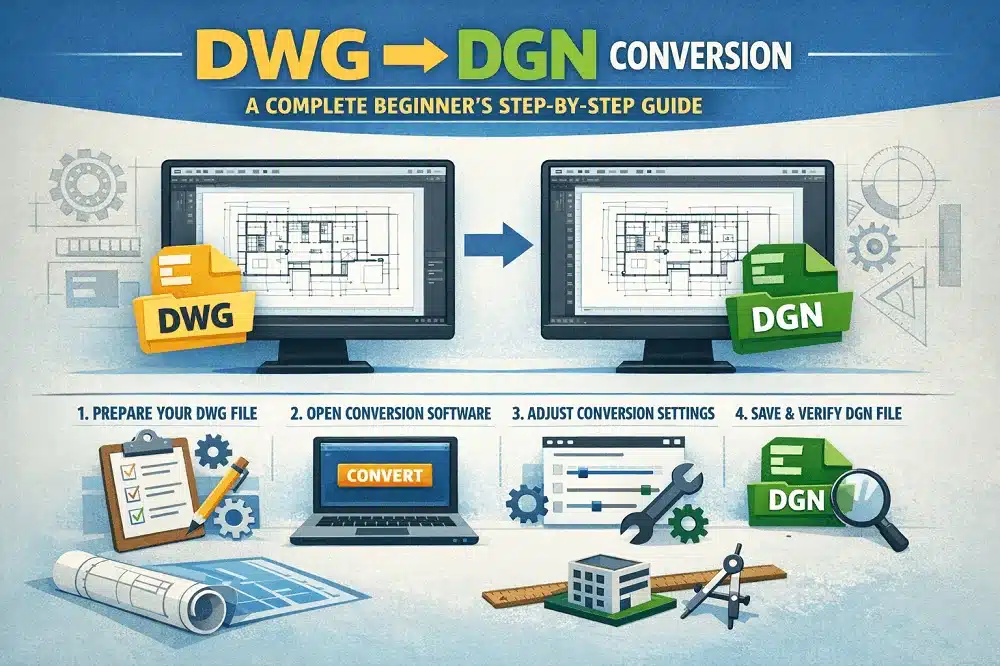
In today’s collaborative engineering and infrastructure projects, working with multiple CAD file formats is common. Two of the most widely used formats are DWG (AutoCAD) and DGN (MicroStation). When teams use different software platforms, accurate file conversion becomes essential. This is where DWG to DGN conversion plays a critical role.
This beginner-friendly guide explains everything you need to know about DWG to DGN conversion, including tools, processes, best practices, and common challenges. Whether you are a CAD beginner or a professional looking for DWG to DGN conversion tutorials and tips, this guide will help you achieve accurate results.
What Is DWG to DGN Conversion?
DWG to DGN conversion is the process of transforming AutoCAD DWG files into MicroStation DGN format while maintaining design accuracy, layers, annotations, and geometry.
- DWG is primarily used in AutoCAD and other Autodesk tools.
- DGN is the native format of Bentley MicroStation, widely used in infrastructure, transportation, and civil engineering projects.
Conversion ensures smooth collaboration between teams using different CAD platforms.
Why DWG to DGN Conversion Is Important
DWG to DGN conversion is essential for:
- Cross-platform project collaboration
- Government and infrastructure projects requiring DGN files
- Maintaining design consistency across CAD software
- Reducing rework and manual redrawing
- Improving workflow efficiency
Proper conversion ensures that critical data such as dimensions, line styles, layers, and blocks remain intact.
Common Challenges in DWG to DGN Conversion
Beginners often face challenges during conversion, such as:
- Loss of layers or incorrect layer mapping
- Font and text alignment issues
- Line style and weight mismatches
- Missing blocks or symbols
- Scaling and unit inconsistencies
Following structured DWG to DGN conversion tutorials helps avoid these problems.
DWG to DGN Conversion: Step-by-Step Guide for Beginners
Step 1: Review the DWG File
Before conversion:
- Clean unnecessary layers
- Remove unused blocks and references
- Check drawing units and scale
- Ensure text styles and fonts are standard
A clean DWG file results in better conversion accuracy.
Step 2: Choose the Right Conversion Tool
Popular tools for DWG to DGN conversion include:
- Bentley MicroStation
- AutoCAD with export options
- Dedicated CAD conversion software
MicroStation offers direct DWG import and DGN save options, making it beginner-friendly.
Step 3: Set Conversion Preferences
Configure conversion settings carefully:
- Map DWG layers to DGN levels
- Define line styles and weights
- Match colors and symbology
- Set correct units and scale
These settings are critical for maintaining drawing integrity.
Step 4: Convert DWG to DGN
Once settings are configured:
- Import or open the DWG file in MicroStation
- Save or export the file in DGN format
- Use batch conversion for multiple files if needed
Always keep a backup of the original DWG file.
Step 5: Verify the Converted DGN File
After conversion:
- Check geometry accuracy
- Review text, dimensions, and annotations
- Verify layers (levels) and line styles
- Confirm scale and alignment
Manual inspection ensures error-free results.
Step 6: Final Cleanup and Optimization
Make final adjustments:
- Fix text spacing issues
- Correct level naming
- Optimize file size
- Apply MicroStation standards if required
This step improves usability and project compliance.
Best DWG to DGN Conversion Tips for Beginners
Here are some essential DWG to DGN conversion tips:
- Always clean DWG files before conversion
- Use standard fonts to avoid text errors
- Maintain consistent units across files
- Test convert a sample file before batch processing
- Follow client or project CAD standards
- Perform post-conversion quality checks
These tips reduce errors and save time.
When to Use Professional DWG to DGN Conversion Services
Professional conversion services are recommended when:
- Projects involve complex drawings
- High accuracy is required for construction or fabrication
- Large volumes of files need conversion
- Tight deadlines must be met
- Compliance with industry standards is critical
Experts ensure precision, consistency, and faster turnaround.
Benefits of Accurate DWG to DGN Conversion
- Improved collaboration between AutoCAD and MicroStation users
- Reduced rework and design errors
- Consistent CAD standards
- Enhanced project efficiency
- Reliable documentation for construction and engineering
Conclusion
DWG to DGN conversion is a crucial process for seamless CAD collaboration across platforms. By following this complete beginner’s step-by-step guide and applying proven DWG to DGN conversion tips, you can achieve accurate, high-quality results.
Whether you are learning through DWG to DGN conversion tutorials or outsourcing to experts, proper conversion ensures efficiency, accuracy, and professional project delivery.
What is the difference between DWG and DGN files?
DWG is used mainly by AutoCAD, while DGN is used by MicroStation. They differ in structure, layer management, and symbology handling.
Can DWG be converted to DGN without data loss?
Yes, with proper tools and settings, DWG to DGN conversion can be done with minimal or no data loss.
Which software is best for DWG to DGN conversion?
Bentley MicroStation is one of the most reliable tools for accurate DWG to DGN conversion.
Are DWG to DGN conversion tutorials helpful for beginners?
Yes, step-by-step DWG to DGN conversion tutorials help beginners understand settings, avoid errors, and ensure accurate results.
What are the most common DWG to DGN conversion errors?
Common errors include incorrect layers, font issues, scale mismatches, and line style differences.
Should I convert DWG to DGN manually or use professional services?
For simple drawings, manual conversion is sufficient. For complex or large projects, professional DWG to DGN conversion services are recommended.