
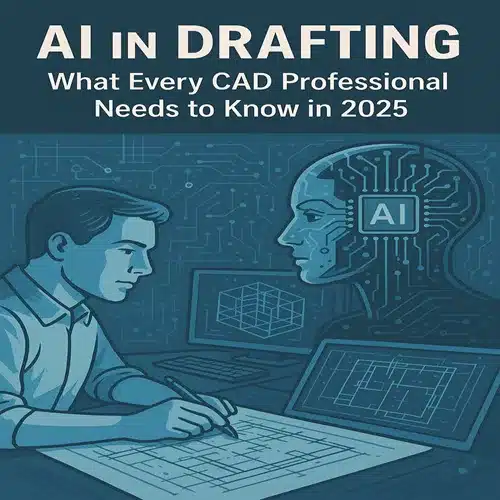
As the architecture, engineering, and construction (AEC) industries continue to evolve, the role of AI in drafting has become increasingly important. In 2025, artificial intelligence is no longer a futuristic concept—it’s a practical, everyday tool for CAD professionals aiming to streamline workflows, reduce errors, and enhance creativity.
What is AI in Drafting?
AI in drafting refers to the use of artificial intelligence technologies to automate, optimise, and assist with various tasks in computer-aided design (CAD) drafting. This includes intelligent drawing suggestions, automated layer management, real-time error detection, and generative design capabilities.
Why AI Matters for CAD Professionals in 2025
1. Increased Efficiency
AI-powered tools automate repetitive tasks like dimensioning, annotations, symbol placement, and file conversions, freeing up valuable time for designers to focus on creativity.
2. Fewer Errors
AI in drafting detects inconsistencies, design clashes, and structural errors in real-time, helping drafters avoid rework and reduce project costs.
3. Intelligent Recommendations
AI understands design intent and offers smart suggestions based on context, historical data, and industry best practices, significantly improving design accuracy and productivity.
4. Seamless Collaboration
AI-integrated drafting platforms include cloud-based solutions enabling multiple team members to collaborate in real-time with AI-supported version control and change tracking.
5. Adaptive Learning
Modern AI systems learn from the user’s behaviour and improve over time. As the software adapts to the drafter’s style and preferences, workflows become smoother and more intuitive.
Key AI Tools Used in CAD Drafting Today
- Autodesk’s AI Assistant: Intelligent drawing recommendations and automated complex tasks.
- BricsCAD’s BIM AI Tools: Detect and repair broken geometry, automate tagging.
- SolidWorks AI Drafting Assistant: Generative design options and error detection.
- Chatbot Integration: AI chatbots assist with command prompts directly within the CAD interface.
How to Start Integrating AI in Your Drafting Workflow
- Upgrade Your Software: Use the latest AI-enabled CAD platforms such as AutoCAD, Revit, or BricsCAD.
- Take Online Courses: Platforms like Coursera, Udemy, and Autodesk Learning Hub offer updated AI drafting courses.
- Use AI Plugins: Install AI-based plugins tailored to your specific drafting needs.
- Practice with AI Features: Try automated drawing tools, clash detection, and layout optimisation.
- Collaborate with AI Experts: Join forums where professionals share insights about using AI in drafting.
The Future of AI in Drafting
Predictive modelling, real-time collaboration with augmented reality, and deeper integration with BIM systems will become standard. Drafters will spend less time on technical details and more on design strategy and creativity.
Embracing AI today prepares CAD professionals to stay relevant, efficient, and competitive in the ever-changing design landscape.
AI in drafting is not just a trend—it’s the future of CAD design and a vital tool for professionals in 2025 and beyond. Talk to ASTCAD about integrating AI into your drafting workflow today.
Keeping AI in drafting honest
The discipline that keeps AI in drafting useful is measurement: time the task before and after, count the errors the verification pass catches, and retire the tools that lose. Our own office runs that ledger continuously, which is why the recommendations on this page change as the tools do — genuinely useful this quarter is the only endorsement category we keep. Vendors promise transformation; the ledger records assistance, and assistance is worth having when it is real.
For drafting managers evaluating the same tools, the practical articles linked here document our measured results — the closest thing to a trial you can read instead of run.
Our team delivers accurate, standards-compliant drawings across all disciplines — fast turnaround, no obligation.